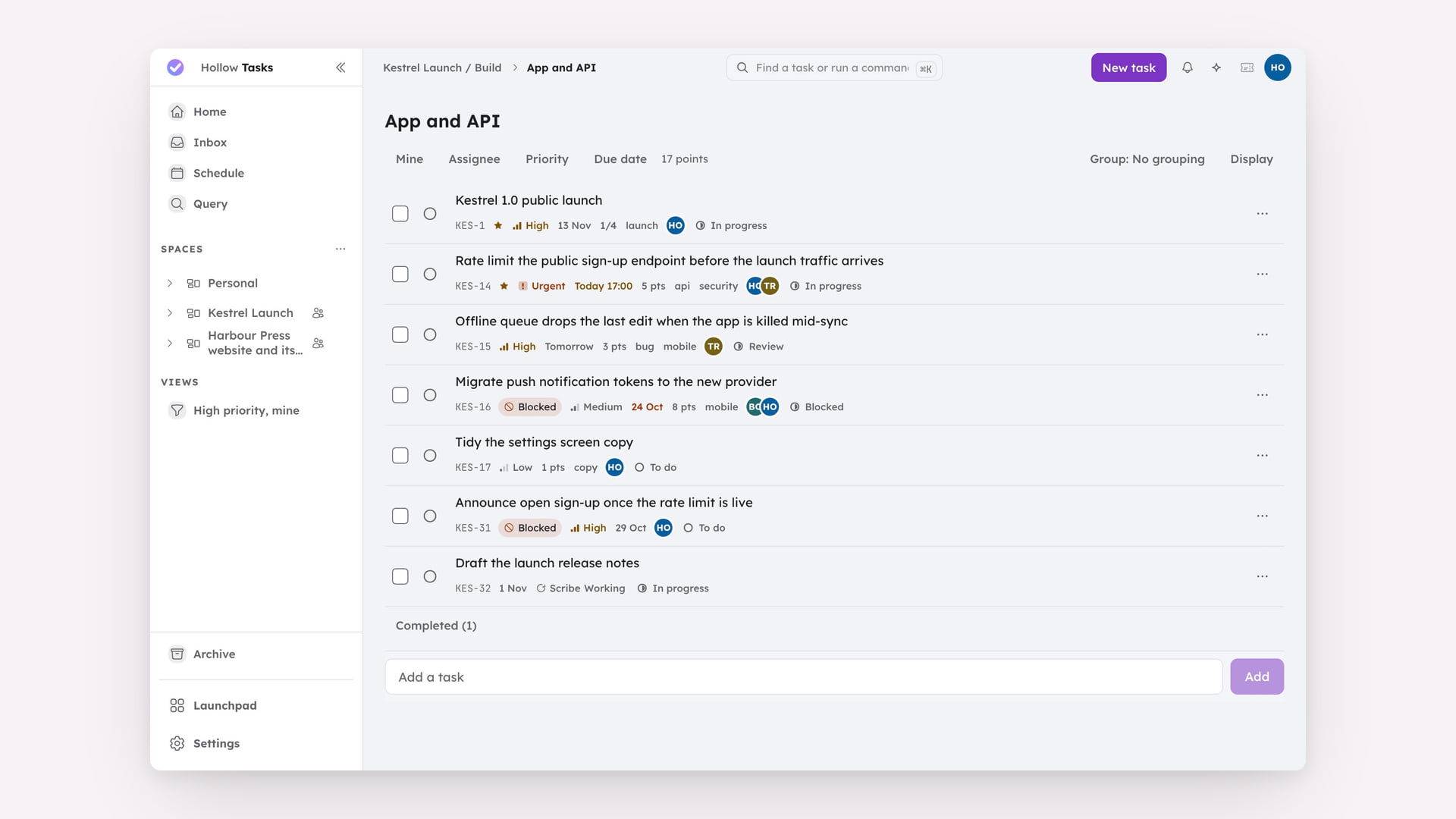
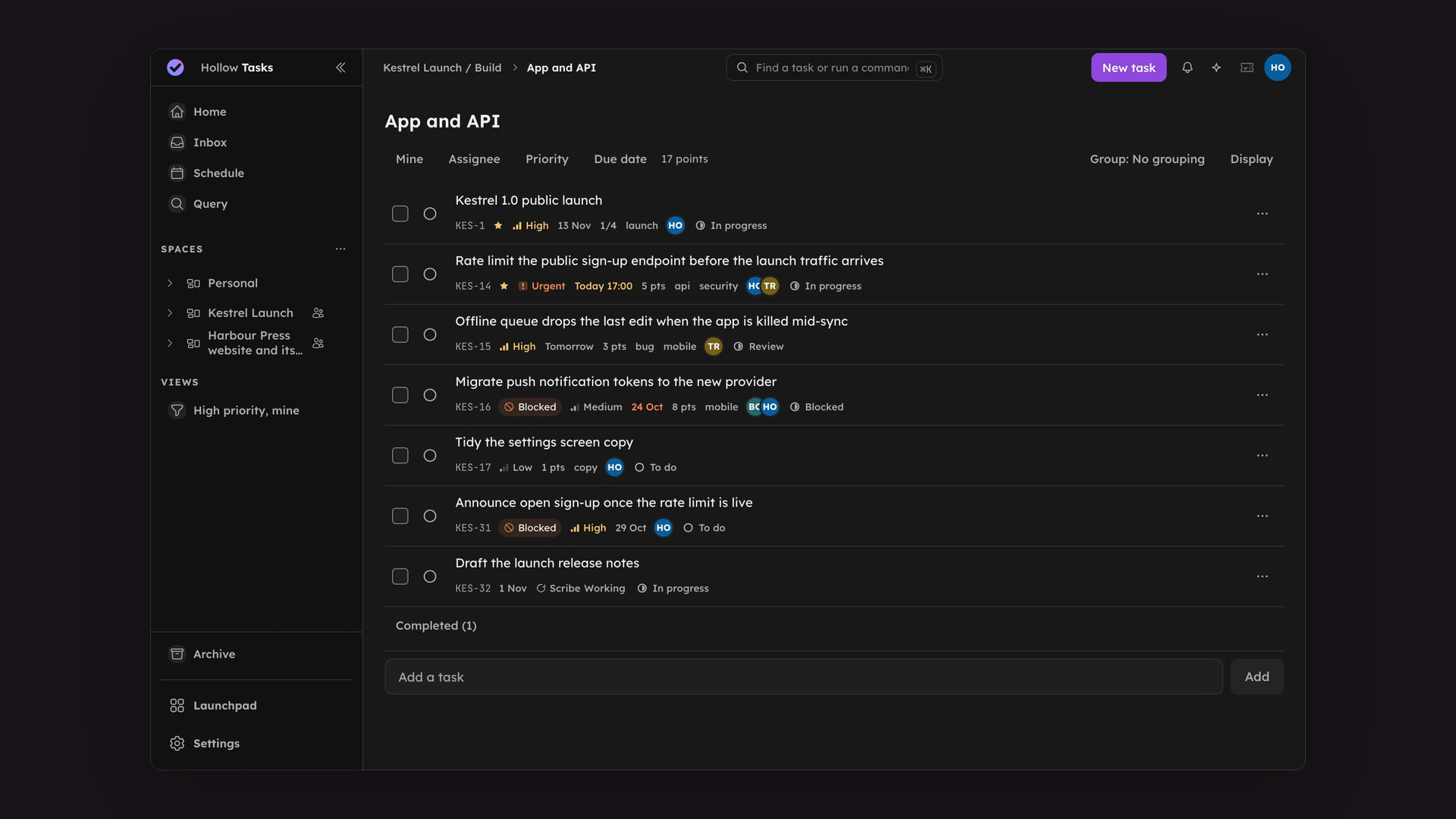
Project management built around Spaces you shape yourself: Folders and lists to organise the work, several ways to look at the same tasks, and intake automation that files incoming requests before you even open the app.
What this demo shows in Hollow Tasks
Open a task to see the details behind the work.
A task board shows work at different stages.
A task opens in the detail panel for a closer look.
Hollow Tasks demo
Spaces, Folders and lists
A Space is where work is shared: its members and their roles, its statuses and workflow, and the key every task in it carries, such as WRK-12. Inside a Space, lists hold the tasks, either directly or grouped in Folders. Everyone has a personal Space whose Inbox catches anything captured but not yet filed.
Views
Several ways to look at the same work: Home answers what needs you now, Schedule lays dated tasks out day by day, each list opens as a list or a table, and each Space has one kanban of its statuses. Query filters tasks with HEL and saves what you find as Views you can pin to Home. Archive keeps finished work out of the way until you need it, and the Bin keeps anything moved there for 30 days so it can be restored.
Task attributes
Every task carries assignees, due dates and start times, a priority rating from low to urgent, tags, sub-tasks and a checklist, Blocked by and Blocks dependencies, links to other objects across the suite, a rich Markdown description, and reminders that land in the topbar bell.
Intake and webhooks
Publish a public intake portal, or wire up an inbound webhook, and requests arrive in a review queue where you accept, reject or reassign them (or set a portal or webhook to create tasks without review). Write routing rules as Hollow expressions to file them straight to the right list, with priority and labels already set.
Panel and settings
The right panel keeps the AI assistant and the open task's details beside the work. Each Space's settings hold its members and their roles (Owner, Admin, Member, Guest or Viewer) and how soon completed tasks move to Archive.